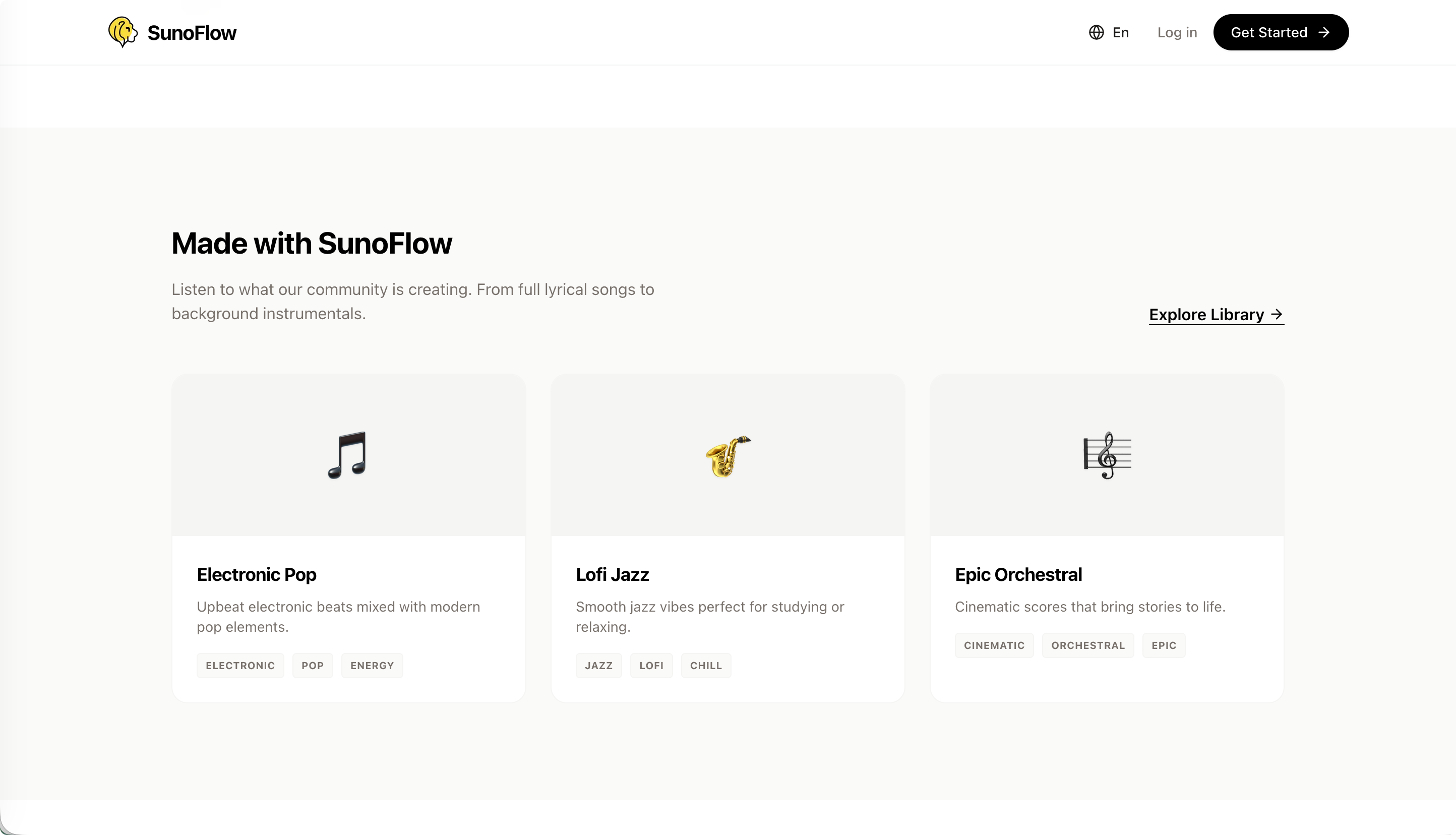
I recently took on a website project built around a third-party API.
The project used a music-generation API and added a credit-based account system on top of it.
I had already built quite a few frontend projects. Most of them simply asked users to enter an API key and then called an API to generate images or videos.
But for a site targeting users overseas, that approach wastes a lot of potential traffic. So I tried building an independent site with account registration, credit purchases, membership tiers, and other features.
The frontend was fairly easy, partly because I had already built many frontend projects before. Overall, it was straightforward.
The main challenge was the backend. I chose Supabase as a free database service.
For deployment, I initially planned to put the project on GitHub and deploy it automatically to Cloudflare. I ran into a few issues with Cloudflare, though, so I later switched to Vercel.
Vercel was more convenient, but I still had to change quite a few things.
As for AI programming tools, I built almost the entire project with Google's new AI editor, Antigravity.
I mainly used Claude Code and Gemini, and they really did make development much easier.
Now let me talk about the backend. The first step is to map out the entire process clearly.
This time, I used Clerk, an overseas account-registration service I had learned about elsewhere. It integrates several account providers, including Google and GitHub. I mainly used Google sign-in, which saved me a lot of work.
For payments, I used Creem. That part was relatively simple as well.
We only needed to enter the product description and price in its product settings.
After that, we needed an API key and a webhook. A webhook is essentially a callback URL that receives a notification after a payment is completed. I do not fully understand the underlying mechanism myself, since AI wrote most of the code.
Most of the work was actually in the webhook integration. At first, I used ngrok for online debugging.
Debugging was troublesome every time because ngrok generated a different URL on each run. I then had to update the corresponding value in Creem's settings every time before the full process would work.
Locally, however, I could use a fixed address such as localhost:3000, which was much more convenient.
After I finished testing everything locally and deployed it online, I ran into several problems. The first was a Next.js security vulnerability. That was not too serious; I fixed it by following the error logs.
Then there were some Vercel-specific limitations. When the deployment encounters an incompatible configuration, Vercel displays a message, and you can make the necessary changes by following the error log. That part was still fairly easy.
Once that was fixed, the remaining problems were mostly on the database side. The Supabase connection string cost me a lot of time. Fortunately, once I understood how everything fit together, it became manageable.
The complete registration flow works like this: a user first creates an account through Clerk. After login, the account information is automatically written to the Supabase database. The database then returns the data to the frontend, completing the registration process.
By default, this flow uses a Google account. Google accounts require very few additional changes: the account name and profile image are imported automatically. The profile image is the user's Google avatar and cannot be changed.
For users who register by email, I also provide a default avatar. It is generated with DiceBear, a third-party open-source tool I have enjoyed using before. I particularly like its Notion-style avatars.
After registration comes purchasing credits. A user starts the request from the frontend and is redirected to Creem, which creates a payment link. After payment, the webhook notifies the backend. Once the payment is confirmed, the credits are written to the database, and the database returns the updated information to the frontend.
The membership-tier and content-generation flows work in a similar way. At the moment, membership tiers do not include complimentary credits, but I plan to improve that later.
The overall process is actually simple. The difficult part was debugging. I got stuck for quite a while on the payment account and database integration.
I finally got it working recently. This is probably the first full-stack project I have built for myself, and I think it turned out pretty well.
Next, I plan to use AI throughout the development of a WeChat Mini Program and first get the complete process working end to end.
